AI Course for Content Creators
Unlock the potential of AI in your creative projects with the AI Course for Graphic and Video Content Creators at Pepper Animation.
This course provides cutting-edge instruction on leveraging AI tools to enhance and streamline your graphic design and video editing workflows.
Join us to stay ahead in the evolving landscape of digital content creation.
What you will learn in AI Course for Graphic and Video Content Creators ?
You will learn following AI Tools in AI Course for Graphic and Video Content Creators Training at Pepper Animation:
- ChatGPT
- Midjourney
- Adobe Firefly
- Canva
- Shoot & Photography
Create graphics and videos with AI, in two months
Take a creative idea from a brief to a set of finished graphics and a short video. This course introduces the AI tools in the outline below alongside the design, editing and review decisions that make an output useful. It suits students, designers, video editors and business owners who want to practise a repeatable production process.
A generated image is a starting point. You still need to check the message, correct awkward details, arrange readable type, edit the sequence and choose an appropriate export. The aim is to explain those decisions as well as show the finished work.
What you will learn
- AI foundations and prompting (ChatGPT): turn a goal into a clear brief; write prompts that work; plan content calendars, scripts, hooks, captions and hashtags; check facts and tone before you publish.
- AI image generation (Midjourney and Adobe Firefly): styles, lighting and composition; keeping characters, products and brand colours consistent across a series; upscaling and preparing images for print and social media.
- Design with AI (Canva and Adobe Firefly): social posts, thumbnails, ads, banners and presentations; brand kits and templates; background removal, generative fill and expand; resizing one design for every platform.
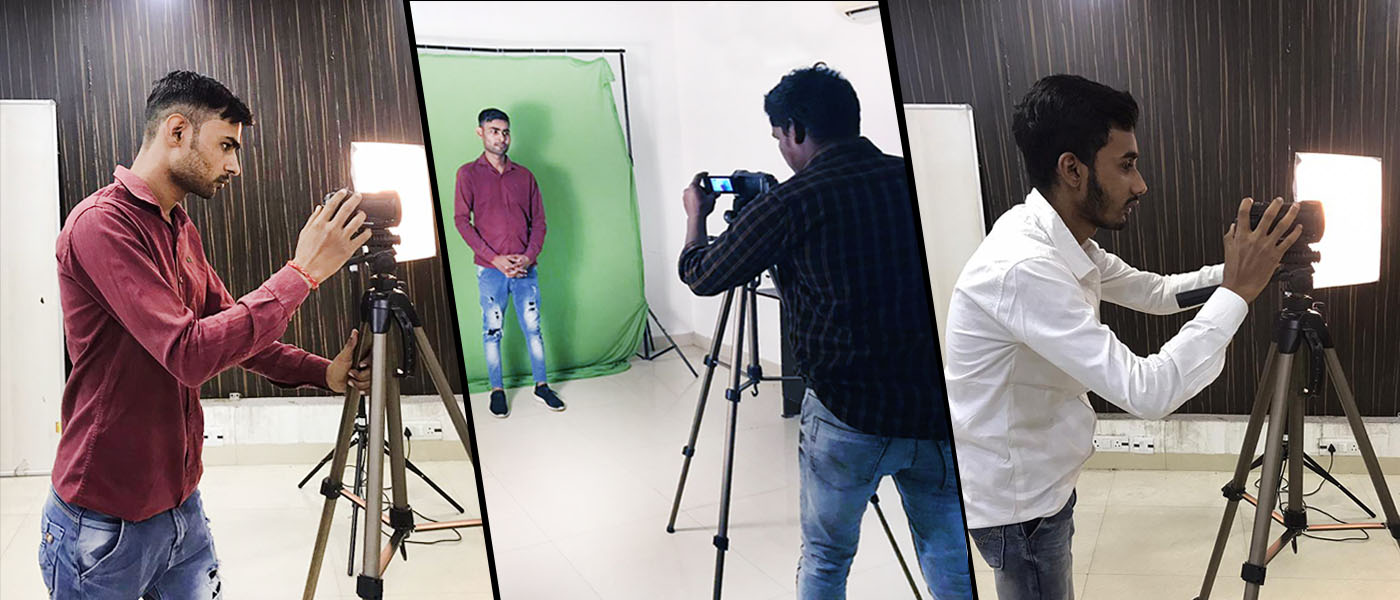
- Shoot and photography: plan and shoot product and portrait photos with a phone or camera, then enhance and extend them with AI so real and generated material work together.
- Short-form video with AI: scripts and storyboards from ChatGPT, AI-generated visuals and b-roll, voice-over, auto captions and music; editing reels and shorts with the right pacing for Instagram and YouTube.
- Using AI responsibly: copyright and licences, consent for faces and voices, when to disclose AI use, and brand-safe checks before anything goes live.
- Portfolio project: plan and deliver a complete campaign for a real or practice brand: a set of designs, product visuals and short videos, with your brief and the process behind them.
Three different creative tasks
- Design: turn a supplied message into a clear visual hierarchy. Compare a poster, a square post and a thumbnail; check type size, contrast and cropping at the size people will actually see.
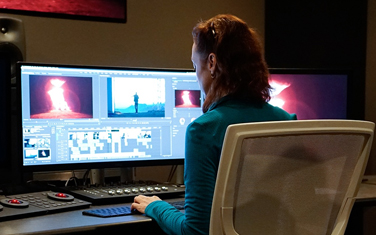
- Editing: make a short sequence understandable. Select shots, adjust pacing, check captions against the spoken words and listen for distracting changes in sound.
- Production: keep the brief, source material, versions and exports organised so another person can review the work and request a specific change.
AI can help with ideas and variations, but output still needs selection and correction. The time a project takes depends on its complexity, the tools and your experience; the course does not promise a fixed production speed or freelance income.
A practice brief you can discuss at your demo
Imagine a fictional café introducing a seasonal drink. Start with a supplied product photograph and a short brief: audience, message, brand colours and the required formats. This is an illustrative learning exercise, not a real client assignment or a promised assessment.
- Sketch a layout and storyboard before generating variations. Decide which details must stay faithful to the supplied product.
- Create a small visual set, then finish typography and composition in the design tool. Keep any invented product details out of material presented as a real photograph.
- Edit a short video from the selected material. Check the opening, captions, sound and final call to action together.
- Hand over exports, editable files where available, source notes and a short explanation of what you changed after feedback.
A useful portfolio walkthrough shows the brief, an early version, a correction and the finished result. Explain your own contribution and identify generated material where relevant. Use material you have permission to work with; obtain permission before using another person's face or voice.
Check software access before enrolling
Ask admissions which applications, accounts, subscriptions and generation credits your batch uses, what the fee includes, and what you would need to pay separately. Confirm laptop requirements and the files you can keep after the course. Tool access and export options can vary by plan; Adobe explains its own allowance in the Firefly generative-credits guide.
Who should join
No design or coding background is needed for the introductory course. Bring an example of the work you want to make to your demo. If you want more time on design foundations or editing craft, compare the Certificate in Graphic Designing and the Certificate in Video Editing and VFX. Ask the trainer which route fits your starting level.
Published by Pepper Animation Team · Course guide updated 7 November 2026