A creative future starts with a little curiosity.WhatsApp usLet’s talk: 1800 891 3981 ↗
Pepper Animation

Home / Courses

LEARN IT. MAKE IT. SHOW IT.

Advanced Diploma in Video Editing, Animation and VFX Prime

  • Fees: ₹1,20,000 ₹85,000
  • Duration : 1 Year
  • Placement Assistance
  • Internship
  • Live Experience in Pepper Animation Studio

Pepper Animation 1 Year Diploma Courses

4.6 on Google · 217 reviews

Let’s find your course.

Form not loading? Open the secure enquiry form ↗

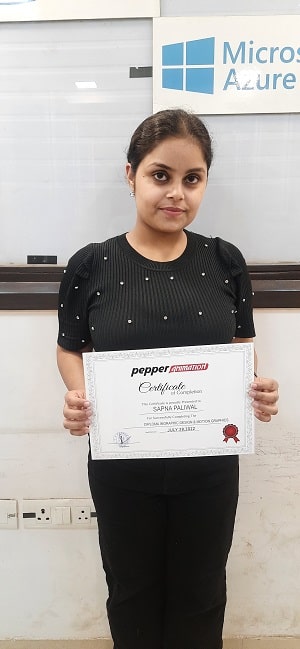
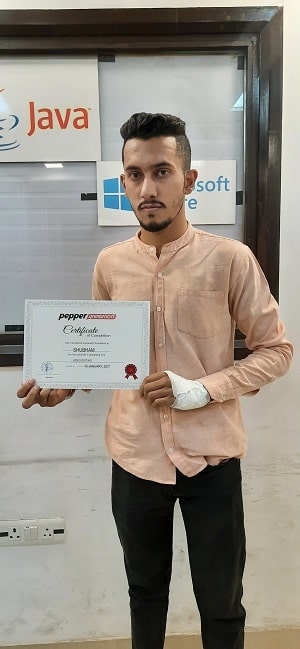
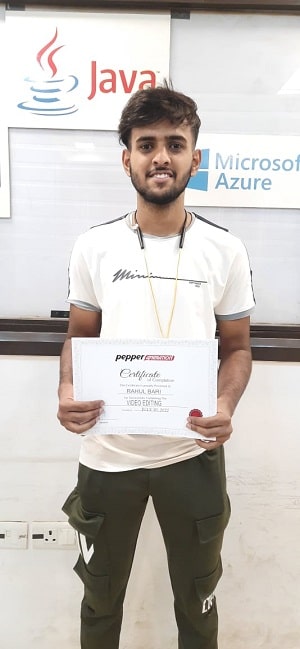
Certified Pepper Animation students · ISO 9001:2015 institute
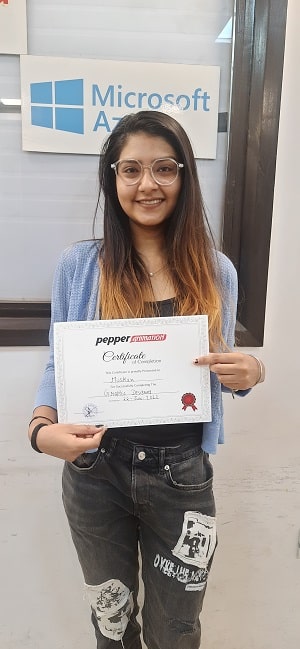
Pepper Animation student holding a course completion certificatePepper Animation student holding a course completion certificatePepper Animation student holding a course completion certificatePepper Animation student holding a course completion certificate

SEE THE CREATIVE POSSIBILITIES

VFX in motion.

A short visual-effects excerpt from Pepper’s website reel. Explore the craft, then talk to us about the skills you’d like to build.

Course inspiration · Pepper website reel · Silent excerptMore animation examples ↗

Software’s You will learn:

  1. Adobe Photoshop
  2. Adobe Illustrator
  3. Canva
  4. Adobe Premiere Pro
  5. Adobe Audition
  6. Pro Color Grading in DaVinci Resolve
  7. Adobe After Effects
  8. Blender with AI Tools

Job Profiles

2D Animator | Video Editor | Illustrator | Storyboard Artist | Compositor | VFX Artist | Rigging Artist | Tracking Artist | Layout Artist | FX Artist

Video Editing, Animation & VFX Prime Course Modules

Photoshop, Illustrator and Canva

Adobe Photoshop

  • Interface, Tools, Keyboard Shortcuts and Document Settings
  • Image Retouching and Color Grading
  • Image Selections and Masking
  • Image Manipulation and Special Effects
  • 3D MockUp Designing
  • Filters, Luts, and Actions
  • GIF and Animations
  • UI and Website Layout Designing
  • Social Media Creatives Designing
  • Printing/Publishing Techniques

Adobe Illustrator

  • Interface, Tools, Keyboard Shortcuts and Document Settings
  • Professional Illustration
  • Creating 3D Text and Objects
  • Perspective Illustration
  • Vector Portraits and Advance
  • Illustration Isometric Illustrations
  • Typography Techniques Printing/Publishing Techniques

Canva

  • Canva Introduction.
  • Using and customizing templates.
  • Using search and personalizing the editor.
  • Uploading and using photos.
  • Using and editing elements.
  • Finding fonts and using text.
  • Uploading and editing video and audio.
  • Sharing and collaborating on designs.
  • Saving and organizing documents.
  • What’s next?
Premiere Pro

Adobe Premiere Pro

Interface, tools and timeline Editing basics Creating effects and transitions Create titles and Subtitles Introduction to color grading Advance color grading Chroma key Multicam editing Masking Audio editing and Sound effects Rendering and exporting your video Ai tools for Video Editing Students Portfolio Creation

Adobe Audition
  • Intro & Interface
  • Basic Audio Editing
  • Adding Background Music and Other
  • Media Files
  • How to Use Sound Effects
  • Amplitude
  • Compression
  • Time Stretching
  • Shifting Pitch
  • Delay and Echo
  • Edit Out Breaths, Clicks and Pops
  • Make Vocals Sound Better with EQ
After Effects
  • Interface, tools
  • Animating Illustrator files
  • Animating Photoshop files
  • Animating 2d to 3d layers
  • Character rigging
  • Walk cycle animation
  • Lip sync animation
  • Face rigging part1
  • Face rigging part2
  • Face animation
  • How to use puppet tool for animation
  • Animating texts, creating path animations
  • Neon text animation, using Saber plugin
  • Particle effect using Trapcode plugin
  • Creating scribbles
  • Creating ink reveal slideshows
  • How to use Camera
  • Removing Chroma key
  • Object Removal
  • Camera tracking
  • 1 point or 2 point tracking
  • 4 point tracking
  • Rotobrush tool
  • Compositing using Element 3D
Z Brush
  • Intro To Zbrush
  • How Brushes in Zbrush Works
  • Polymesh And Poly Remesh Work Systems
  • Uses Of Alpha
  • Asset Creation in Zbrush
  • Asset Detailing in Zbrush
  • Character Modelling in Zbrush
  • Tessellation And Details Projection
  • Basic Light Setup to Render
Blender with AI Tools
  • Blender Intro to Poly Modelling
  • Intro To Curve Modelling
  • Uv Mapping and Unwrapping
  • Material And Rendering Engines
  • Intro Lighting and How Lighting Works
  • Different Types of Light Setup
  • Product Lighting
  • Ext And Int Lighting
  • Asset Rigging
  • Character Bone Setup
  • Character Weight Paint
  • Character Rigging
  • Different Animation Styles
  • Asset Animation
  • Character Animation
  • Dialogue Setup
  • Particle System
  • Cloth
  • Noise Creation
  • Objects Destruction and Other Fx Systems
COME AND SEE

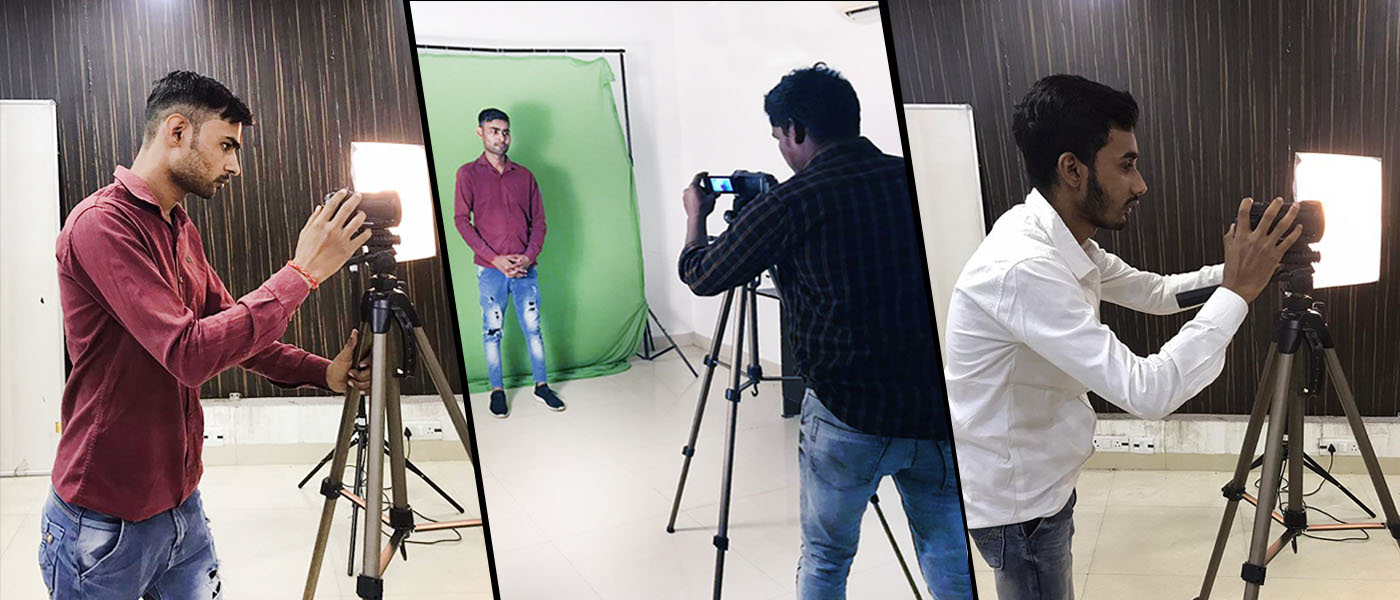
Learn in a real studio and classroom

Classes run at our institute at F-19/8, Third Floor, Rohini Sector 8, Delhi, with a trainer beside you, or live online. Book a free demo class and see it for yourself.

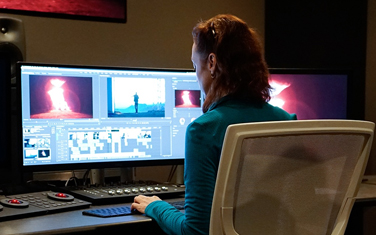
A shoot in the Pepper Animation Studio
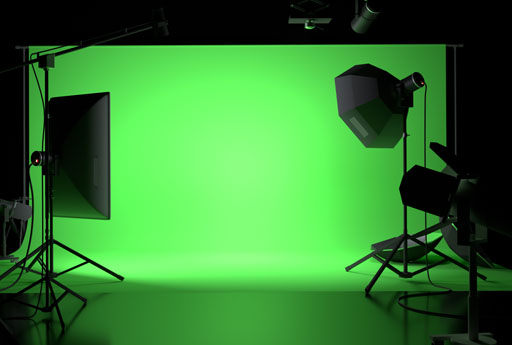
The green-screen studio
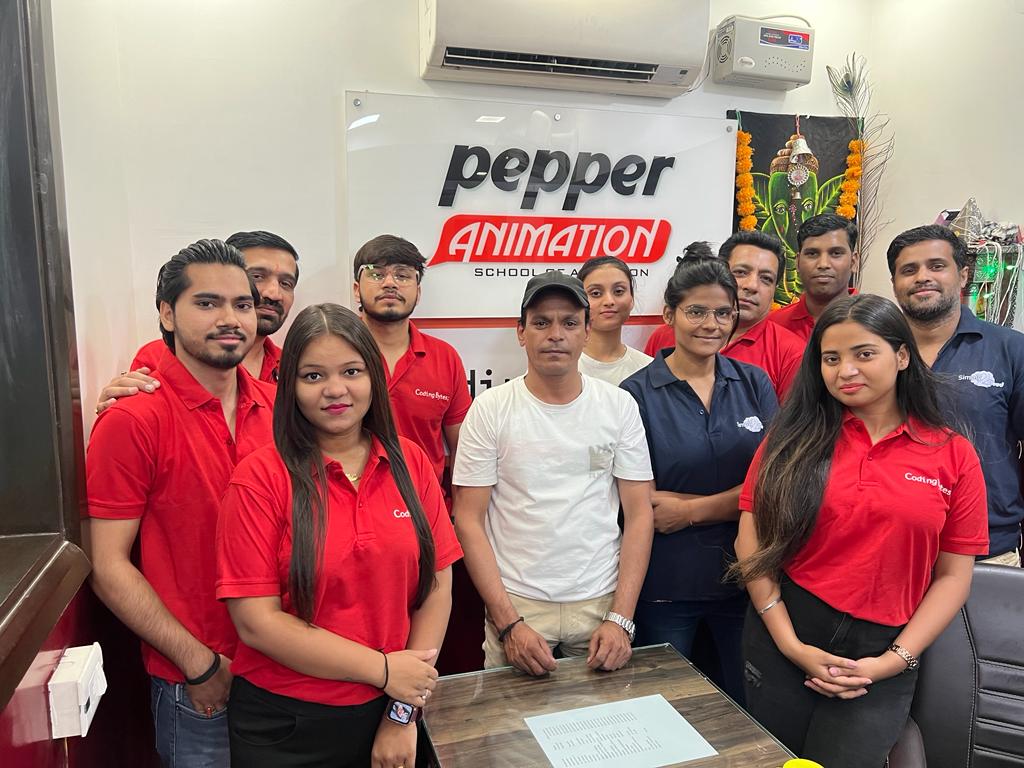
The Pepper Animation team

QUESTIONS, ANSWERED

Frequently asked questions

What is the fee for the Advanced Diploma in Video Editing, Animation and VFX Prime?

The fee is ₹85,000. You can pay it in simple instalments; the admissions team explains the EMI options and the next batch dates on one call.

How long is the Advanced Diploma in Video Editing, Animation and VFX Prime?

The course runs for 1 Year. Weekday and weekend batches are available, with flexible timings for students and working professionals.

Are classes online or at the Rohini centre?

Both. You can study at the Pepper Animation centre in Rohini Sector 8, Delhi, or join online classes. You can also book a free demo class before you decide.

Who can join this course?

No minimum qualification is required. Students, graduates and working professionals with an interest in the subject can join.

Will I get a certificate?

Yes. You receive a Pepper Animation certificate when you complete the course. Pepper Animation is an ISO 9001:2015 certified institute.

Do you help with placements?

Yes. Every student gets placement assistance from the Pepper Animation Placement Cell: help finding openings and preparing for interviews. It is assistance, not a job guarantee.

Still have a question? Request a call back or call 1800 891 3981.

BEYOND THE CLASSROOM

Make room for
your creative future.

Explore the work, the people and the production environment at Pepper Animation. Talk to the team about how this course fits your goals.

Inside the Pepper studio ↗
Advanced Diploma in Video Editing, Animation and VFX Prime — course artwork
PEPPER ANIMATIONRohini, New Delhi ↗

YOUR NEXT STEP

Start with
a conversation.

Ask about the curriculum, current fees, software access and the next available batch. We’ll help you find your starting point.

Call 1800 891 3981 ↗

Prefer to visit? Find us in Rohini →

Talk to admissions ↗